
paperclip · local work
Work locally on Paperclip tasks with Muster Agent
Paperclip plans the work and assigns it to agents and people. Muster Agent lets you pick a task up on your own computer, work in your own folders with the engine you choose, and send back a local work log with files changed, tests, tokens and cost.
Works with
What Muster Agent works with.
- Codex, using your ChatGPT sign-in.
- Claude Code, using the install and sign-in you already have.
- OpenCode.
- Cursor: runs the Cursor Agent CLI you have installed and signed in to.
- Google Gemini: runs the Gemini CLI you have installed and signed in to.
- Any OpenAI-compatible model router: OmniRoute, OpenRouter, LiteLLM-style gateways and custom endpoints, with your own key for each.
- Any OpenAI-compatible API, including Meta’s Muse models (Muse Spark, Muse Wonder) through the Meta Model API, plus open-weight models you run locally.
- Local models through Ollama and LM Studio.
- Paperclip: check out tasks from a Paperclip org, work locally in a git worktree, and let the work hand itself back.
- Sandboxing: scoped sandboxes and computers, permission modes from read-only to full access, and secrets kept out of commands.
The idea
Plan on the server, do the work on your machine.
Paperclip is an open-source orchestration server where agents and people share projects, tasks, approvals and budgets. Some of that work needs your own repository, your own tools and your own review, which a server-side agent cannot reach. Muster Agent connects to your Paperclip server so those tasks can be done locally and reported back in the place the rest of the team already looks.
Muster Agent and Paperclip are independent projects. Muster Agent does not replace Paperclip; it is a desktop client for it.
Connect and work
From connection to a checked-out task.
1. Connect a server
Open Settings, then Integrations, then Muster Server, type the server address and press Connect. A Paperclip running on this computer is offered inline, and an API token is available under other ways to connect. The app works out what is at the address by itself. Test connection says when a URL is not a Paperclip API and warns when a token would travel over plain http.
2. See the org in the app
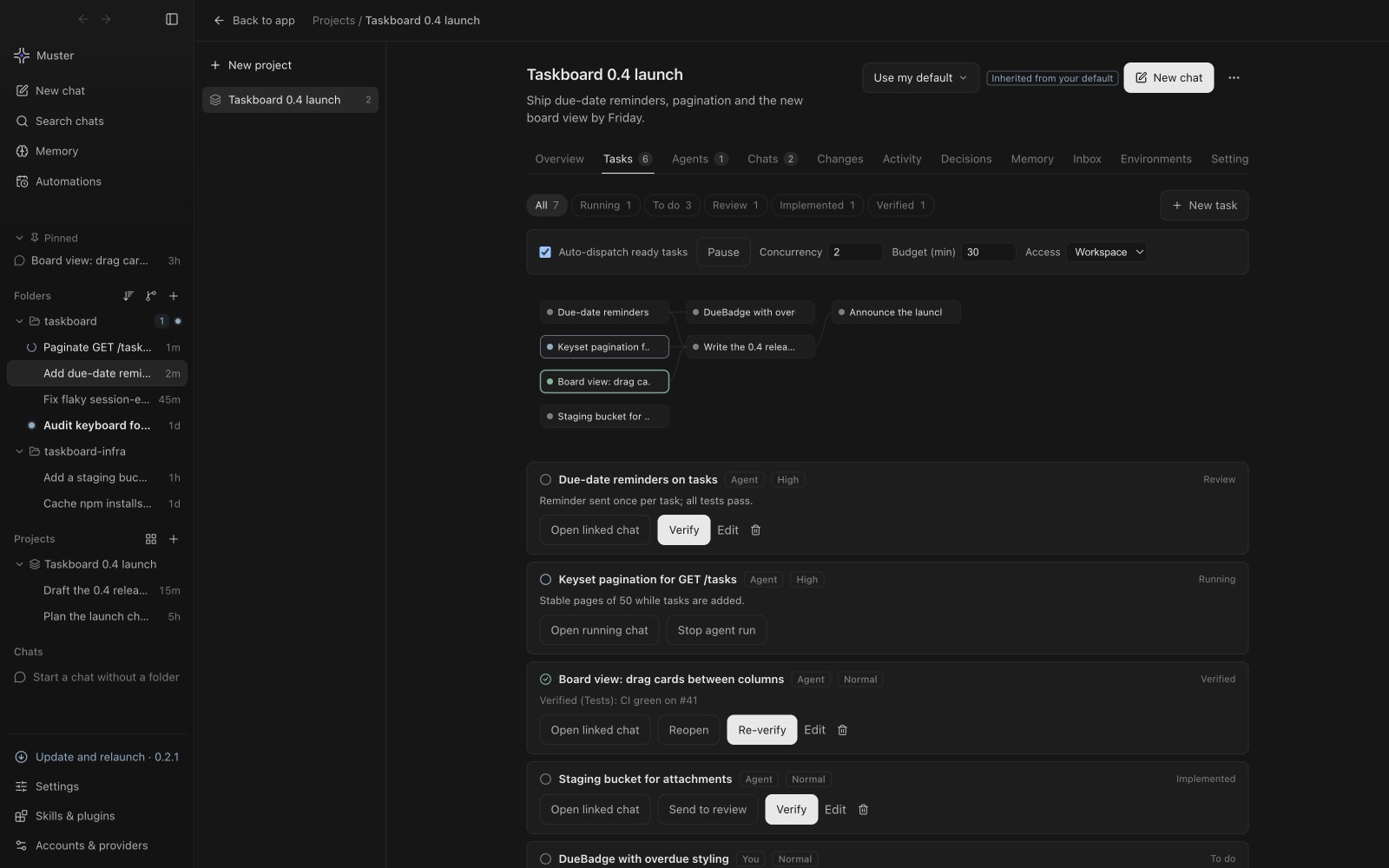
Each Paperclip project appears under its organisation in the sidebar. Tasks open as conversation threads, and the Roster shows each agent with the adapter and model the server reports. The Inbox gathers questions, approvals and mentions. Paperclip and your own projects stay apart: an import never writes into a project you created in Muster Agent, and what you change locally is kept when you import again.
3. Work locally
Choose Work locally on a task to check it out. Muster Agent uses Paperclip’s ordinary primitives: it reassigns the task to you, posts comments and writes documents, so the state is visible in Paperclip itself. A Work as option maps a server agent’s model to the closest one you have locally and tells you when it differs, for example Opus on the server becoming Claude Code with Opus here.
A worktree and a branch of its own
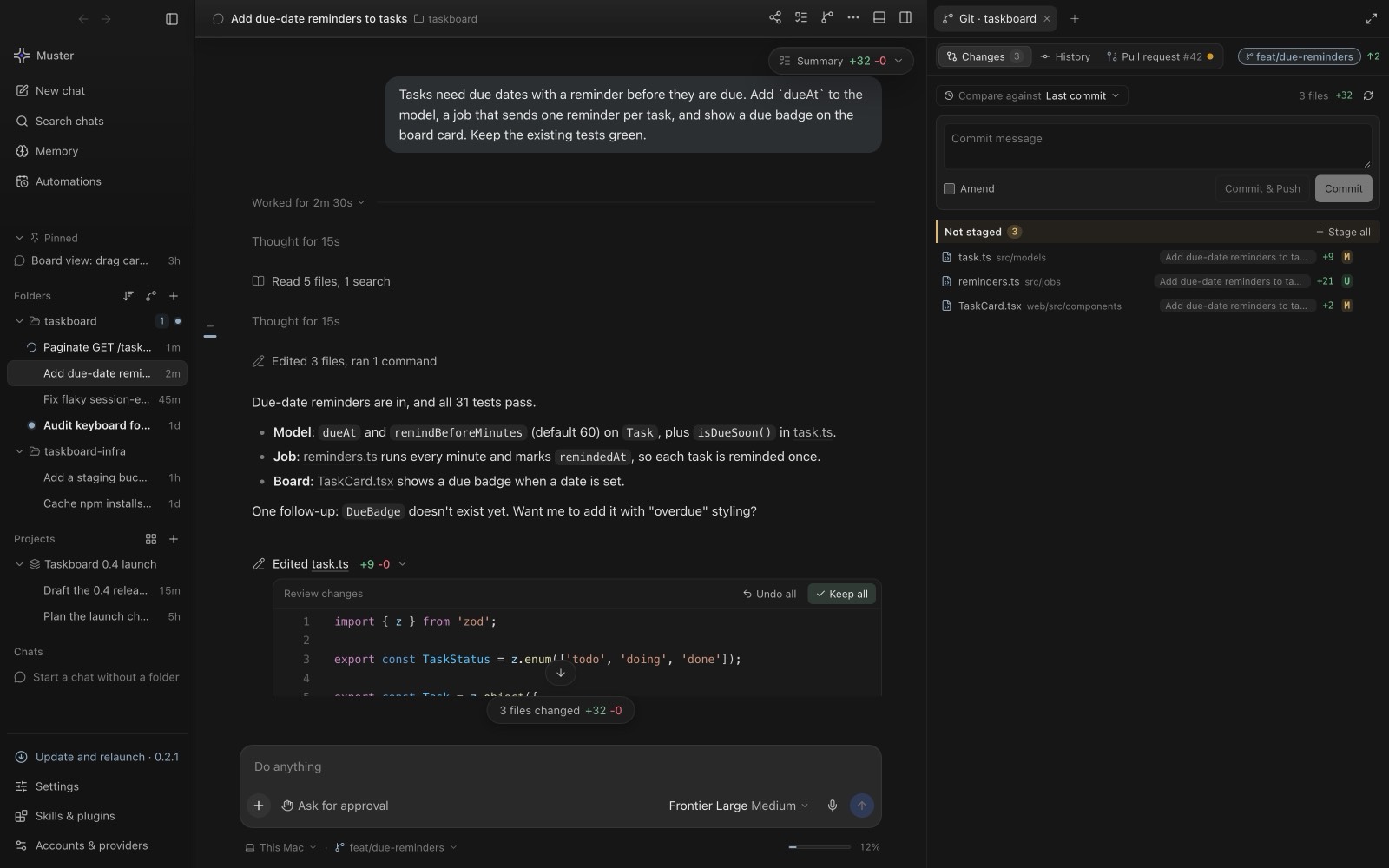
For a git project, check-out makes a worktree and a branch from the project’s dev branch inside your own checkout, and opens a local chat with the task’s context loaded. Checking the same task out again reuses that worktree and chat instead of creating a copy. Any folder can be linked to a project: a plain folder is used as it is, and Muster Agent notes the files at check-out so the hand-back lists what was added, changed and removed.
4. Hand it back with a receipt
When you are done, the task gets a Local work log: files added and removed, tests, tokens, model and cost. You can also change priority and assignee from the task’s properties, create tasks with labels, goals and blockers, and approve, reject or ask for changes on Paperclip approvals. Nothing is sent until you press a button.
Optional plugin
Make check-outs visible inside Paperclip.
A small optional plugin, Muster for Paperclip, adds to Paperclip’s own web interface:
- a Muster tab on each task showing who has it checked out, on which computer, since when, and the latest work summary, with an Open in Muster button;
- a Receipts tab that renders the Local work log as a table with totals;
- a My work page and sidebar link grouping your active tasks by project;
- one reminder comment when a check-out has been quiet for a set number of hours (24 by default).
The plugin never reassigns anything, makes no outbound network calls and stores nothing of its own. Check-out works without it. It needs a self-hosted Paperclip and an instance admin to install it, and it cannot be installed on cloud-managed instances that only allow plugins baked into the platform image.
Hand-back that does not fire on unfinished work
When the work is finished, Muster Agent hands the task back on its own after a 60 second countdown, with Hand back now and Keep working buttons, and the countdown survives a window reload. If the agent’s last message ends with a question or an offer, nothing is committed or handed back until you answer or say you are done. Saying “done” hands it back directly. If no tests ran, the task offers Run tests and hand back, or Hand back anyway. If the task was cancelled, closed or reassigned while you worked, nothing is posted and your worktree is kept.
Task text from the server reaches the local agent marked as untrusted data, and what Muster Agent posts as you has secrets removed. For contained commands, add sandboxing.