
blog ·
Paperclip tasks, locally: check out, worktree and automatic hand-back
Planning on a server and doing the work on your own machine is a good split, if the hand-off is clean. This post covers the workflow, what to watch for, and how Muster Agent implements check-out, worktrees and hand-back.
Why work locally
Some work needs your machine.
An orchestration server is good at planning: who owns what, what blocks what, what has been approved and what it costs. It is less good at the work that depends on your own repository, your credentials, your running dev server and your judgement while you read the diff. A clean workflow lets the server hold the plan while you do the work where it belongs.
The failure modes are familiar: two people unknowingly working on the same task, work that finishes but is never reported, or a task that changed under you while you were heads-down. A good local workflow handles those three explicitly.
The workflow
Four steps, whichever tools you use.
- Claim it visibly. Make it obvious to everyone, on the server, that the task is yours and on which machine.
- Isolate the work. Do it on a branch in its own working directory, so your other work and the main checkout stay clean.
- Keep a record. Capture what changed, what was tested and what it cost, in the task itself.
- Hand back deliberately. Report the result and release the task, after confirming the task is still yours.
Two cautions. Treat task text from a server as untrusted input, because it can contain instructions or links you did not write. And prefer work that is checked by tests, so that “done” means something.
With Muster Agent
Connect, check out, work.
Connect
Open Settings, then Integrations, then Muster Server, type the server address of your Paperclip organisation and press Connect. Projects appear under their organisation in the sidebar, tasks open as threads, and the Roster and Inbox are there. Paperclip and your own projects stay apart: an import never writes into a project you made in Muster Agent.
Check out
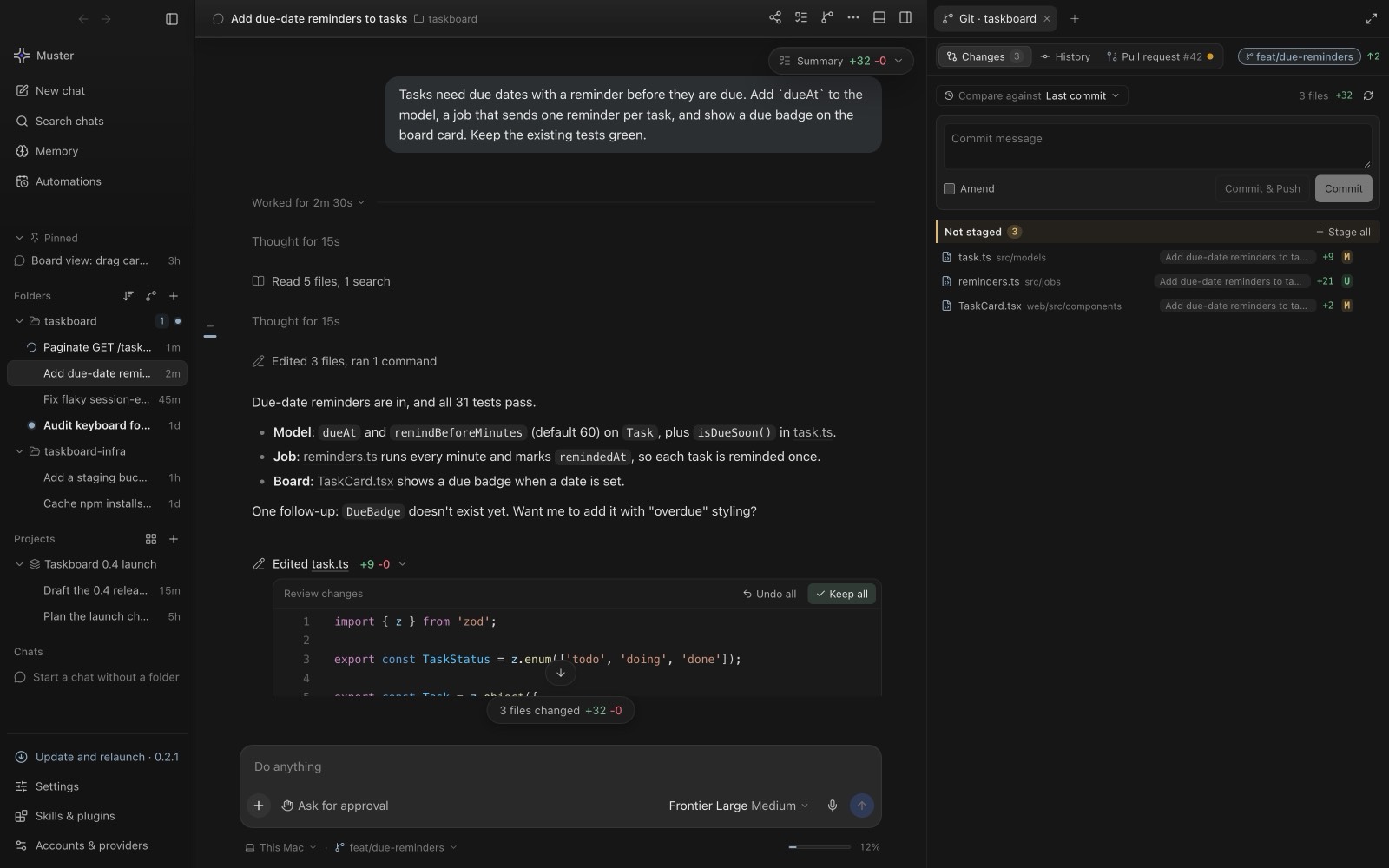
Press Work locally on a task. Muster Agent assigns it to you if needed, sets it In progress, posts a check-out comment naming your computer, copies the organisation’s agents, instructions, skills and review policy read-only, makes a worktree and a branch from the project’s dev branch inside your own checkout, and opens a local chat with the task’s context loaded. The task’s goal and acceptance criteria are treated as what you want done. Checking the same task out again reuses the worktree and chat instead of creating a copy, and any folder, not only a git repository, can be linked to a project: a plain folder is used as it is, and the files are noted at check-out.
Work
Use any engine and model you have: you can work as the server’s agent, with its model mapped to the closest one available locally and a note when it differs, or with your own provider. Everything else in the app, live diffs, terminal, memory, sandboxes, works as usual. Server text is passed to the local agent marked as untrusted data.
Hand-back
Automatic, but careful.
When the work is finished, Muster Agent hands the task back on its own after a 60 second countdown, with Hand back now and Keep working buttons. The countdown runs in the app’s runtime, so it survives a window reload. Safeguards keep it from firing early:
- If the agent’s last message ends with a question or an offer, nothing is committed or handed back until you answer or say you are done.
- Saying “done” or “hand it back” hands the task back directly.
- If no tests ran, the task offers Run tests and hand back, or Hand back anyway.
- Before anything is sent, the task is checked on the server. If it was cancelled, closed or reassigned while you worked, nothing is posted, the check-out on this computer ends and your worktree is kept.
What gets posted is built from the agent’s own replies with secrets removed. The hand-back adds a local work log with files, tests, tokens, model and cost. Stale check-outs, idle for more than three days, show with Hand back and Release options so work does not stay quietly claimed.
Writing tasks that work locally
Good hand-offs start with good tasks.
The quality of local work depends heavily on how the task was written. Tasks that work well have a goal stated as an outcome, acceptance criteria someone can verify, and a note on where to start. Tasks that work badly say “improve the importer” and leave everything else to guesswork.
- Size them to a sitting. A task that fits in a few hours produces a diff you can review and a hand-back that means something. Break larger work into subtasks with explicit dependencies.
- Write acceptance criteria as checks. “The import of the sample file produces 120 rows and no warnings” can be run. “The importer is robust” cannot.
- List constraints. Interfaces that must not change, files to leave alone, whether tests are required.
- Say what is out of scope. It prevents the helpful extras that make review harder.
Because the check-out treats the goal and acceptance criteria as what you want done, time spent here is repaid twice: the agent works toward the right thing, and the reviewer has a clear standard for the hand-back.
The optional plugin
Make it visible inside Paperclip.
An optional plugin for Paperclip adds a Muster tab to each task showing who has it checked out, on which computer and since when, a Receipts tab that renders the work log as a table, a My work page, and one reminder comment after a quiet day. It never reassigns anything and makes no outbound network calls. It needs a self-hosted Paperclip and an instance admin to install, and it cannot be installed on cloud-managed instances that only allow plugins baked into the platform image. Check-out works without it.
For the full product walk-through see working locally on Paperclip tasks, and for hosting the server side see Muster Server.